Global Settings
Account Settings
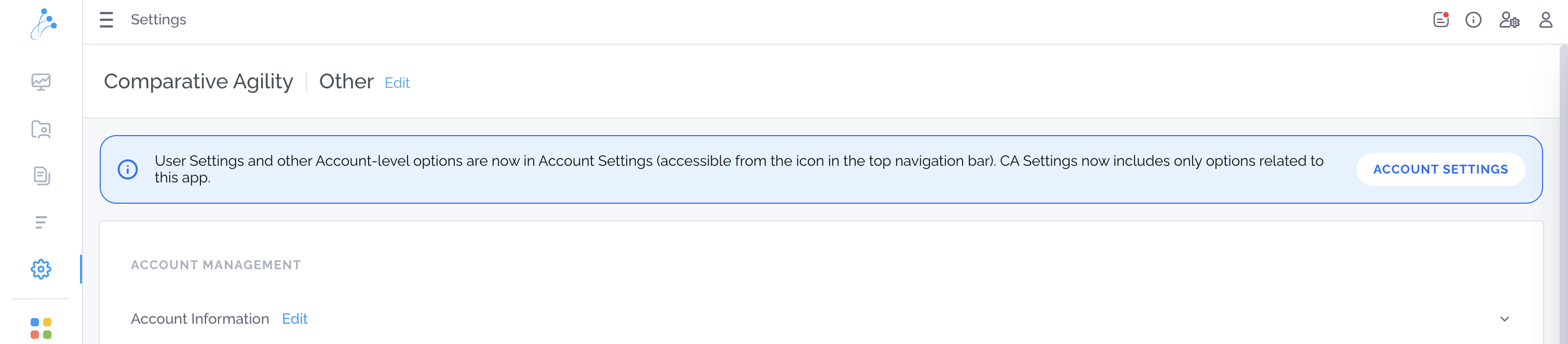
Section titled “Account Settings”Global Account Settings gives you a centralized place to manage your account settings across all tools and applications.
How to Access it
Section titled “How to Access it”To open Global Account Settings, click the Account Settings icon in the top-right corner of the screen and select Account Settings, or go to Settings and access it from the top navigation bar. You can also access Global Settings directly using this link.
Understanding Invitations vs. Users
Section titled “Understanding Invitations vs. Users”View all active users who have accepted their invitations and currently have access to the account.
Understanding Invitations vs. Users
Section titled “Understanding Invitations vs. Users”View and manage user invitations that have been sent but not yet accepted. Pending invitations are displayed here until the invited user activates their account. Also, here you will find an option to resend the invitation to a user who was previously invited to CA.
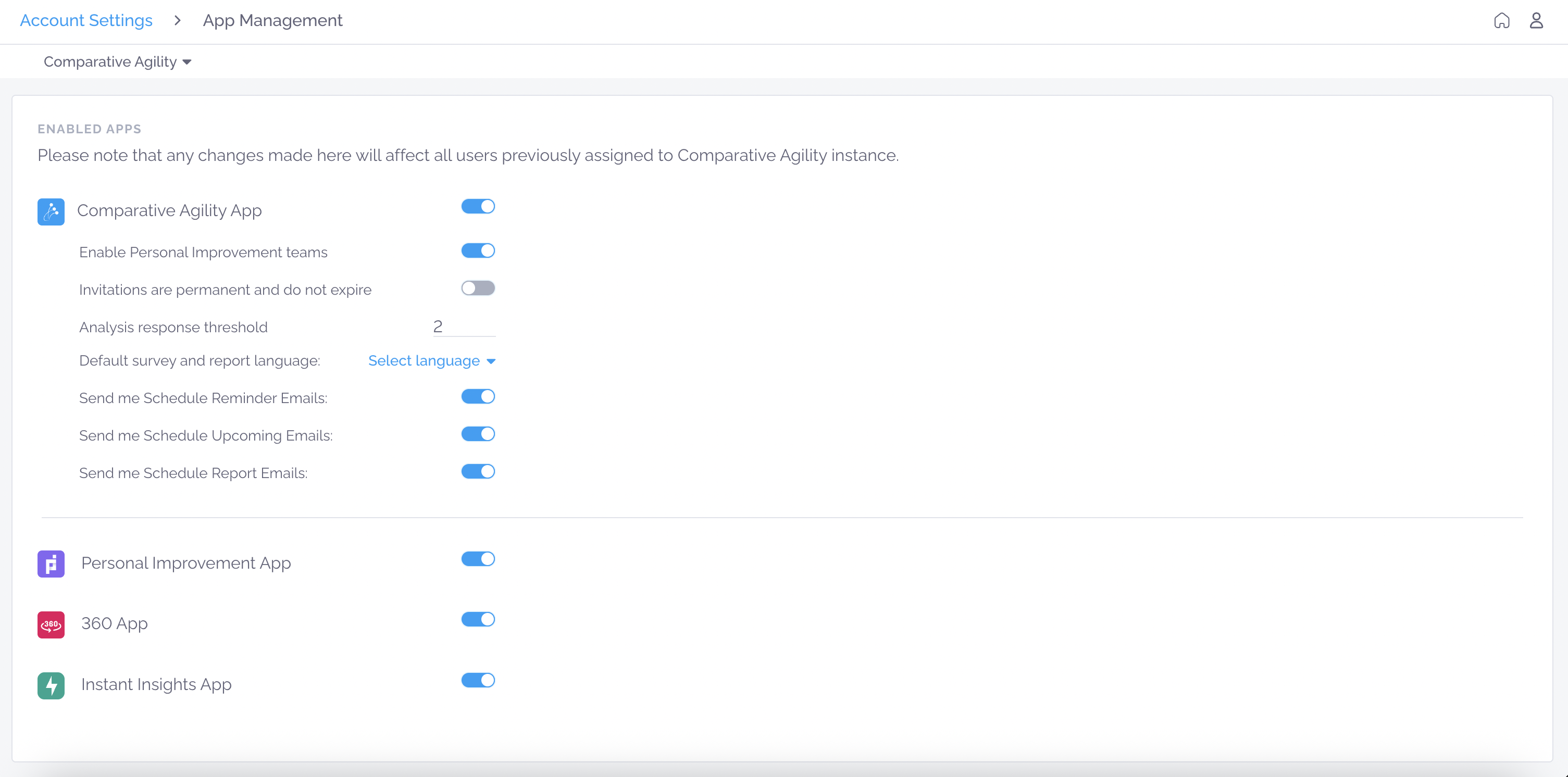
App Management
Section titled “App Management”The App Management section allows administrators to manage enabled applications, instance-wide settings, notifications, and feature access for all users across all instances.