Account Settings -> Integrations
Overview
Section titled “Overview”The Integrations Screen in Comparative Agility provides a powerful toolset for enhancing your workflow by enabling API access and integrating with other platforms. By activating API access, you can interface with a variety of external systems, ensuring seamless data exchange and improved operational efficiency.
Additional information
- Click Settings
- Click ACCOUNT SETTINGS
- Click Integrations
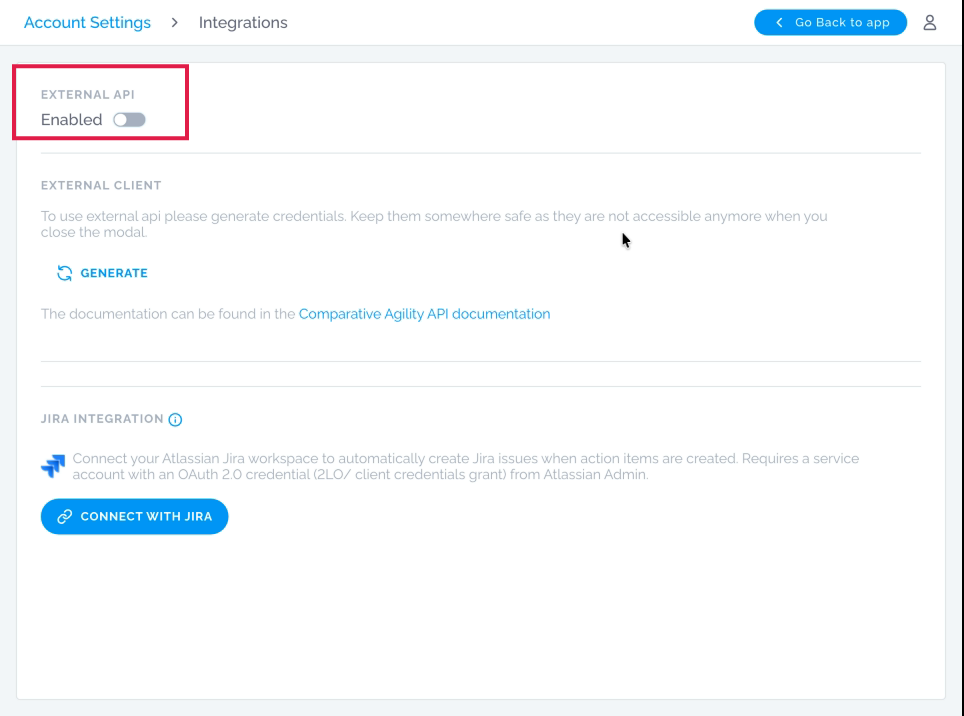
Enable EXTERNAL API
Section titled “Enable EXTERNAL API”This option enables external API access for the Comparative Agility platform. When enabled, you can generate credentials (Client ID and Client Secret) to authenticate third-party applications that need to interact with your account programmatically. These credentials should be stored securely and cannot be retrieved after generation. Reference the Comparative Agility API documentationfor implementation details.
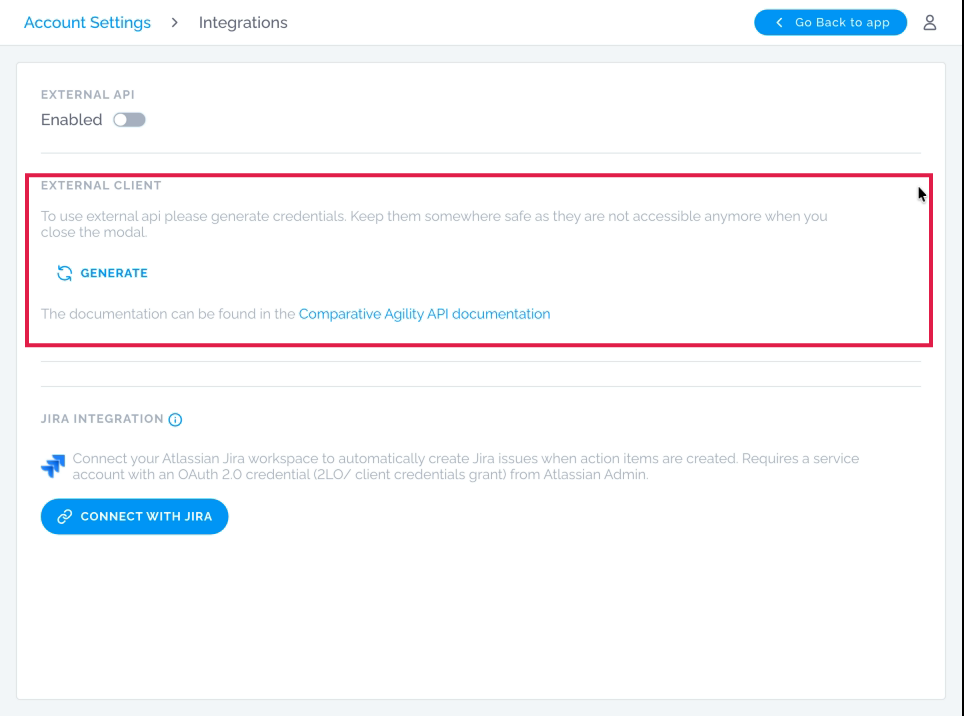
External Client
Section titled “External Client”Provides the credentials needed for external applications to connect to Comparative Agility via API. Click Generate to create a Client ID and Client Secret. These credentials are displayed once and must be saved immediately (they cannot be accessed again after the dialog closes). Keep them in a secure location like a password manager.
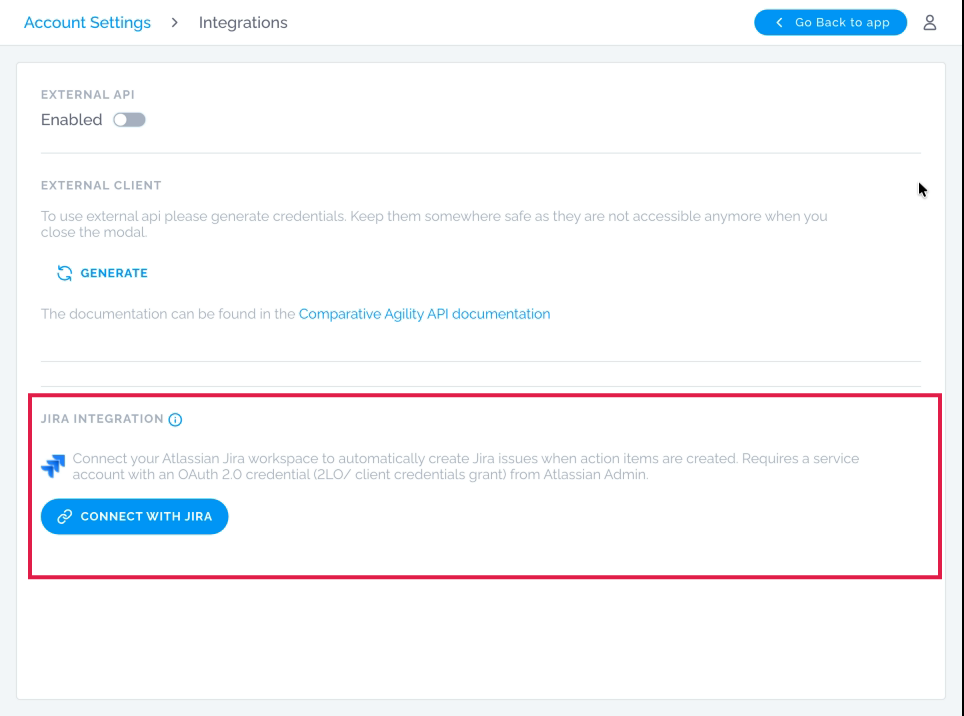
Jira Integration
Section titled “Jira Integration”Connects your Atlassian Jira workspace to Comparative Agility, automatically creating Jira issues when action items are generated in the platform. To set up, click Connect With Jira and provide your OAuth 2.0 service account credentials from your Atlassian Admin console, including Site URL, Client ID, and Client Secret.