Account Settings -> Instances
Overview
Section titled “Overview”Instances are a way for large enterprises to support an appropriate separation of data access between different groups or subsidiaries while at the same time providing a global, enterprise perspective.
Additional information
- Click Settings
- Click ACCOUNT SETTINGS
- Click Instances
Adding New Instances
Section titled “Adding New Instances”To create a new instance:
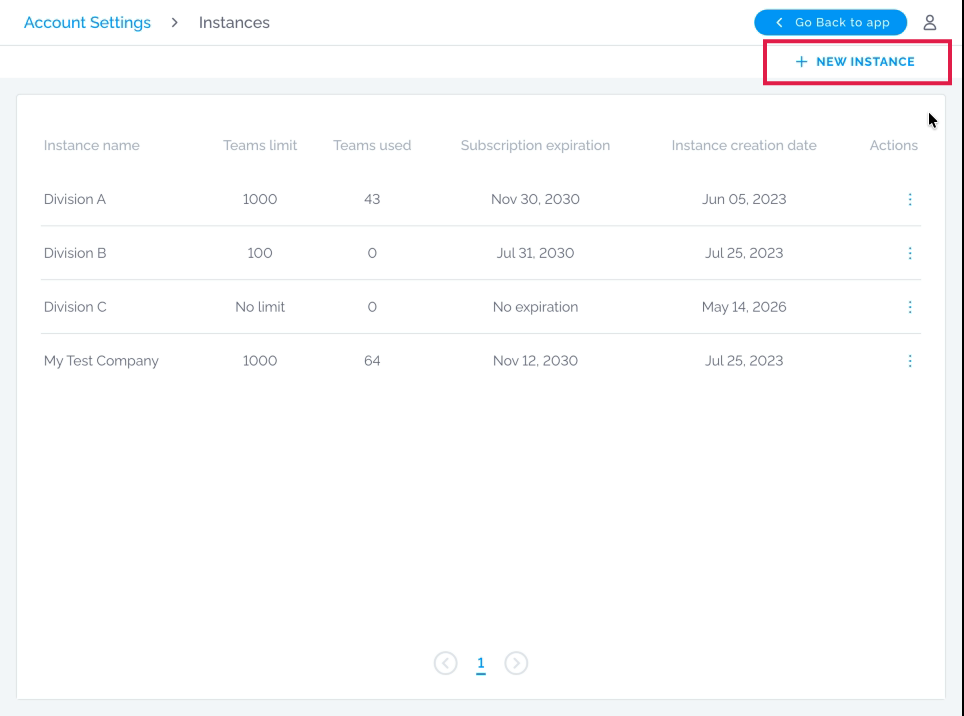
- Click on ”+ Add Instance”
- Type in the name
- Click on Create
Adding team limit
Section titled “Adding team limit”If you would like to limit how many teams an instance can use:
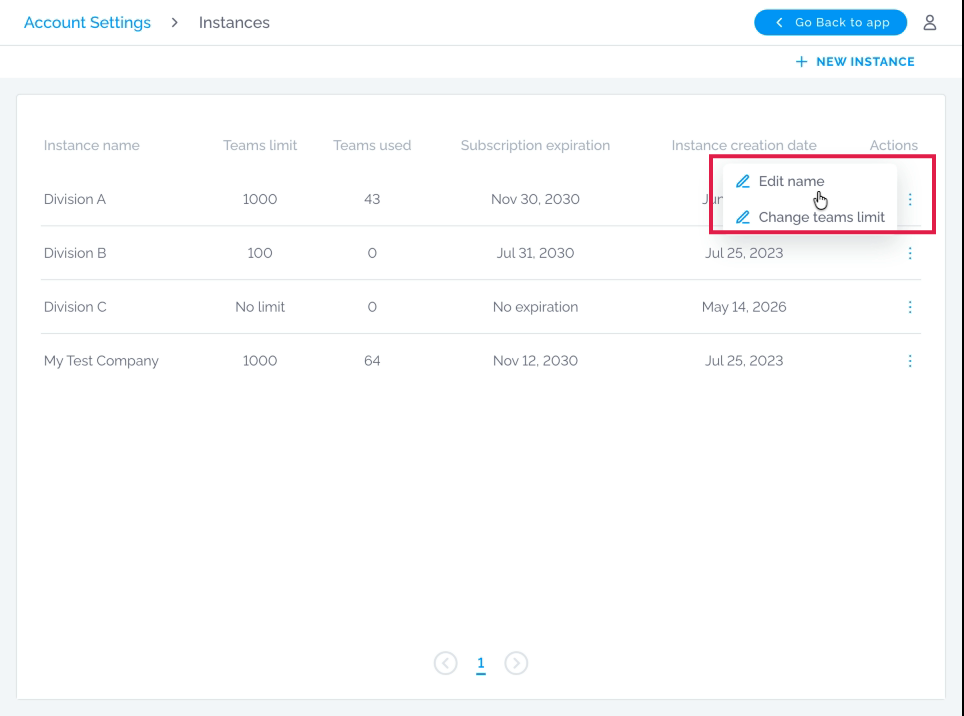
- Click on the three dots next to the desired Instance
- Select “Change teams limit”
- Add quantity
- Click on Confirm
Additional information
- Click Change teams limit
Editing Instance Name
Section titled “Editing Instance Name”In case you would like to change the Instance name:
- Click on the three dots next to the desired Instance
- Select the “Edit name” option