Company and Profile Informations
Overview
Section titled “Overview”The Profile Informations screen allows account administrators and users to view and update organizational details and personal login credentials.
Additional information
- Click Settings
- Click Company and Profile Informations
Company Informations
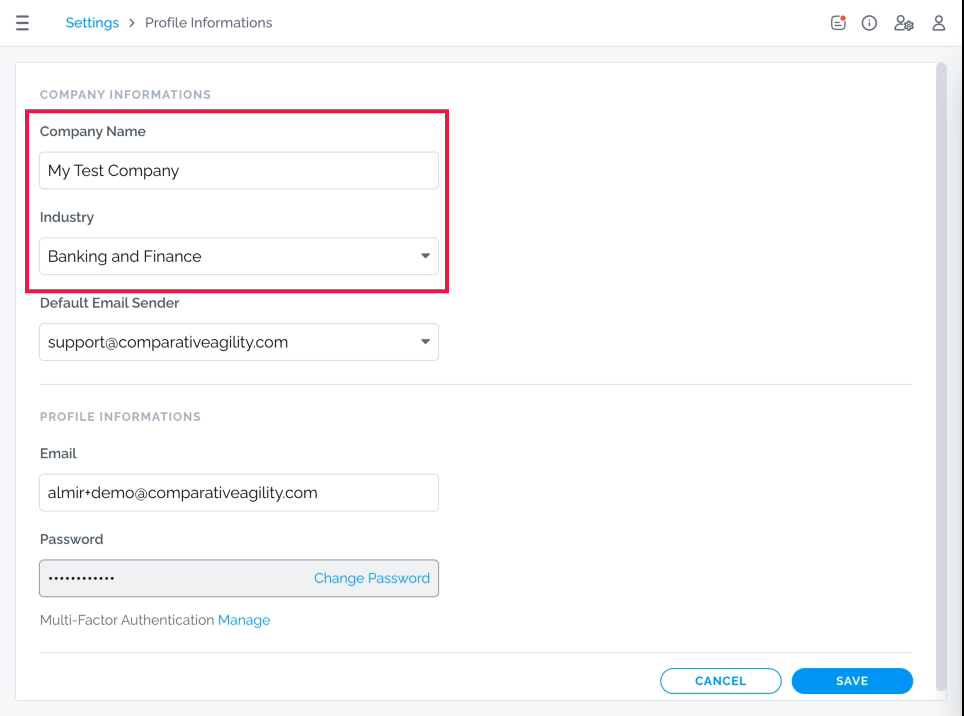
Section titled “Company Informations”Company Name: Place to update the official organization/company name.
Industry: Dropdown menu to select the primary business sector for the account (e.g., Banking and Finance).
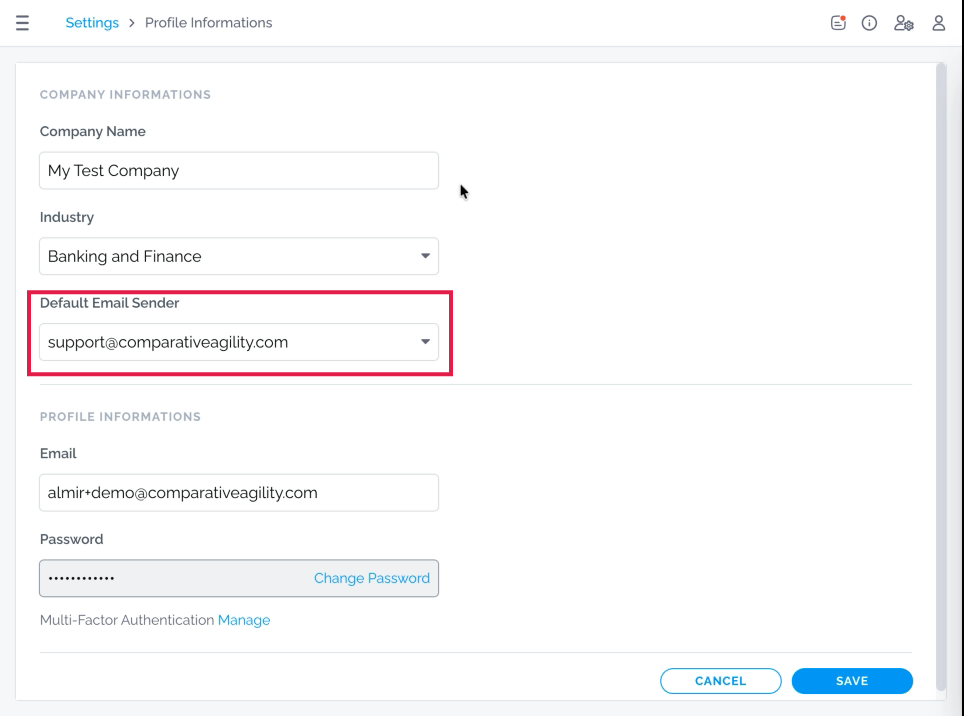
Default Email Sender
Section titled “Default Email Sender”Dropdown menu to select the default email address used when sending outbound communications or reports from the system (e.g., support@comparativeagility.com or your account email).
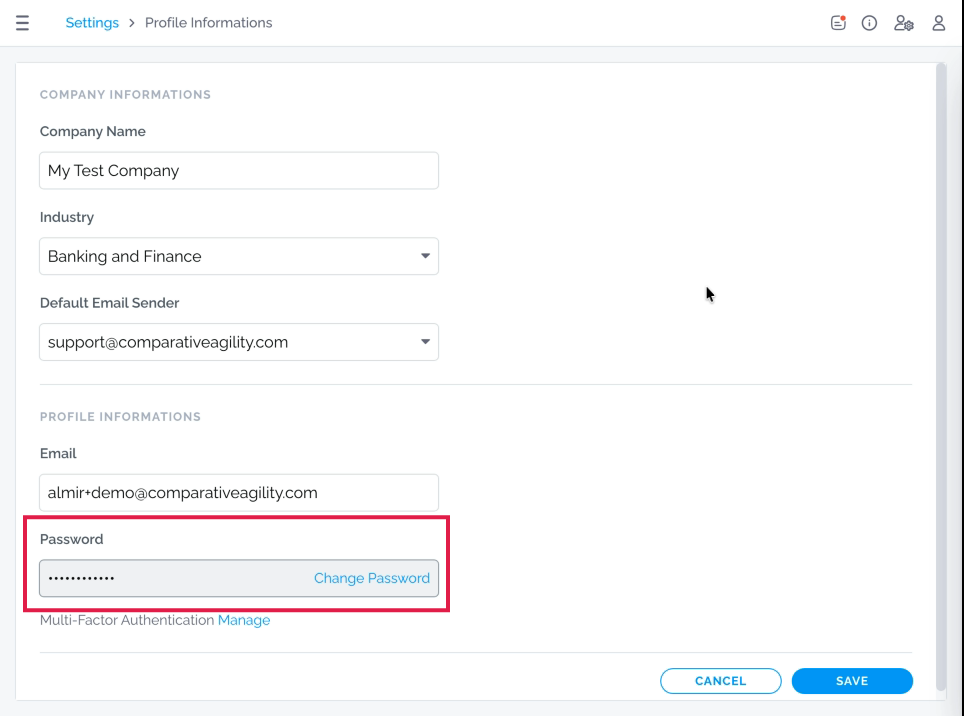
Password Reset
Section titled “Password Reset”Change Password option will initiate a password update.
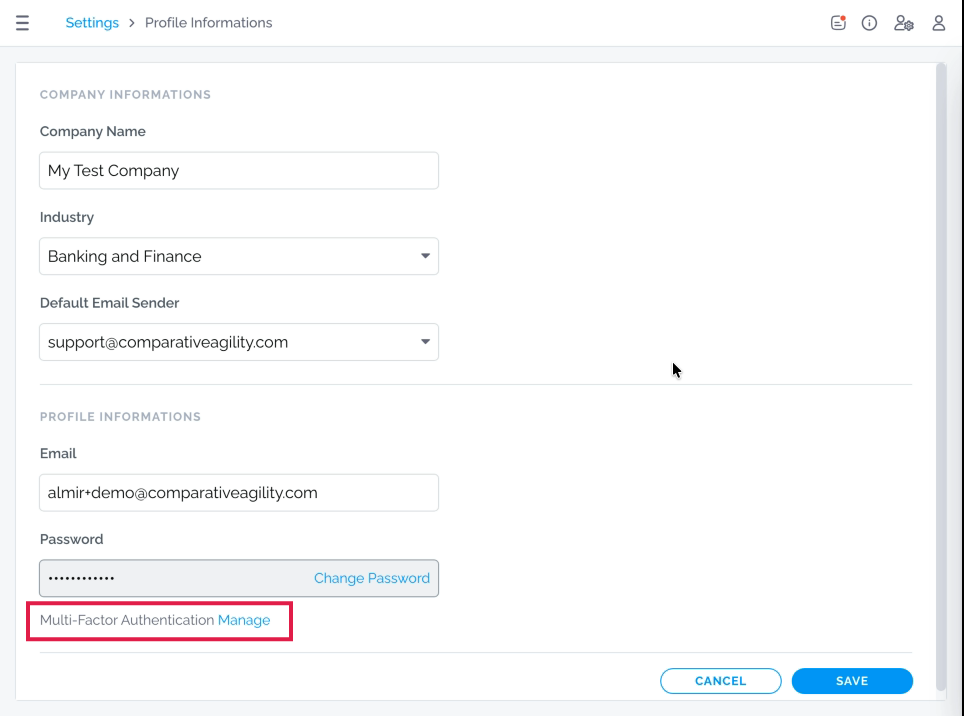
Multi-Factor Authentication
Section titled “Multi-Factor Authentication”Place to enable or disable Multi-Factor Authentication (MFA).