
Reopening a Survey
This article will guide you through reopening a survey. Reopening surveys can be a valuable tool for refining your assessments and gathering the most accurate data possible.
Navigating to the Structure Screen
- Log in to your Comparative Agility account
- Structure Screen will be opened as a default screen
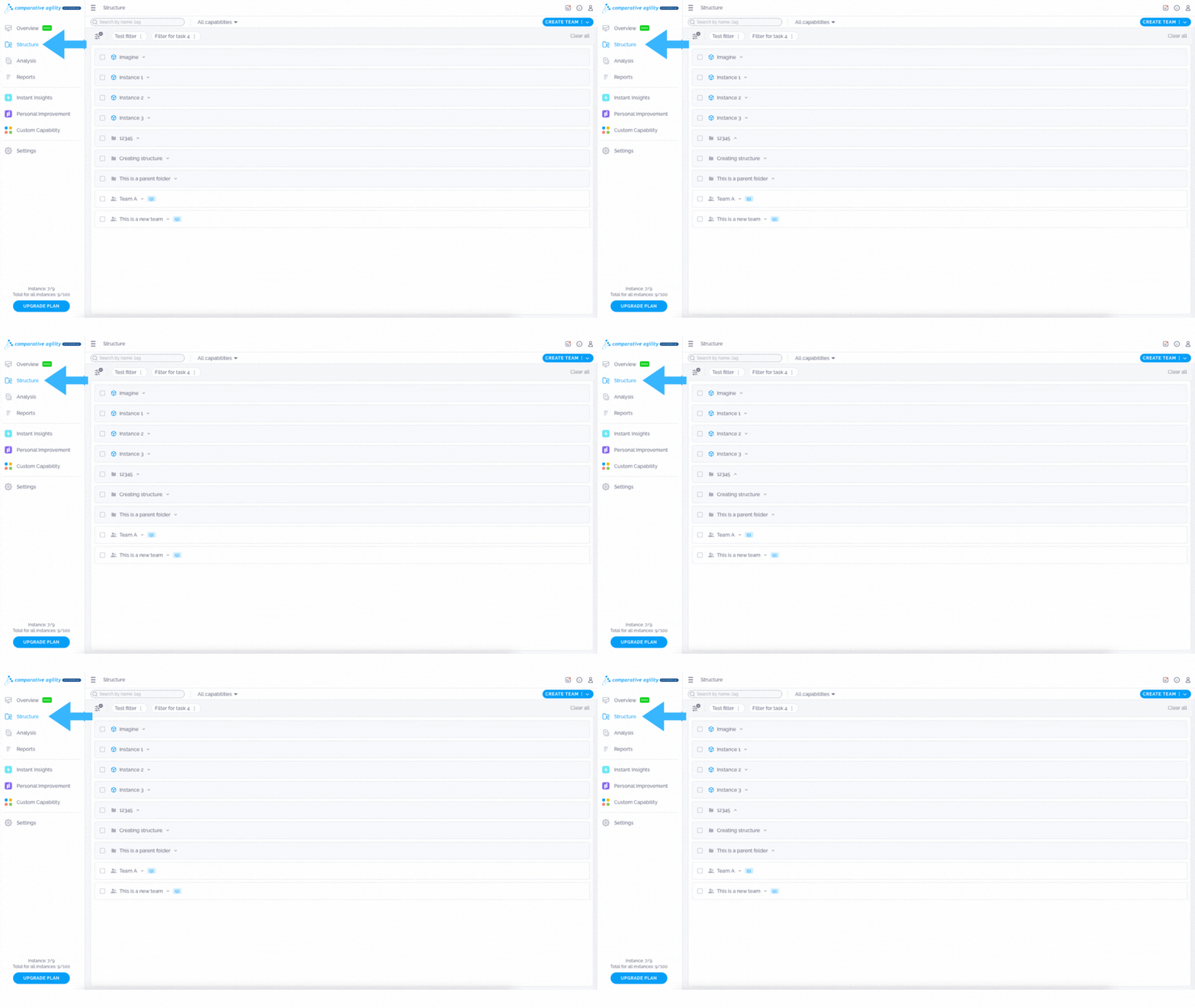
In the screenshot below we show you where to find the Structure Screen
Reopen a Survey
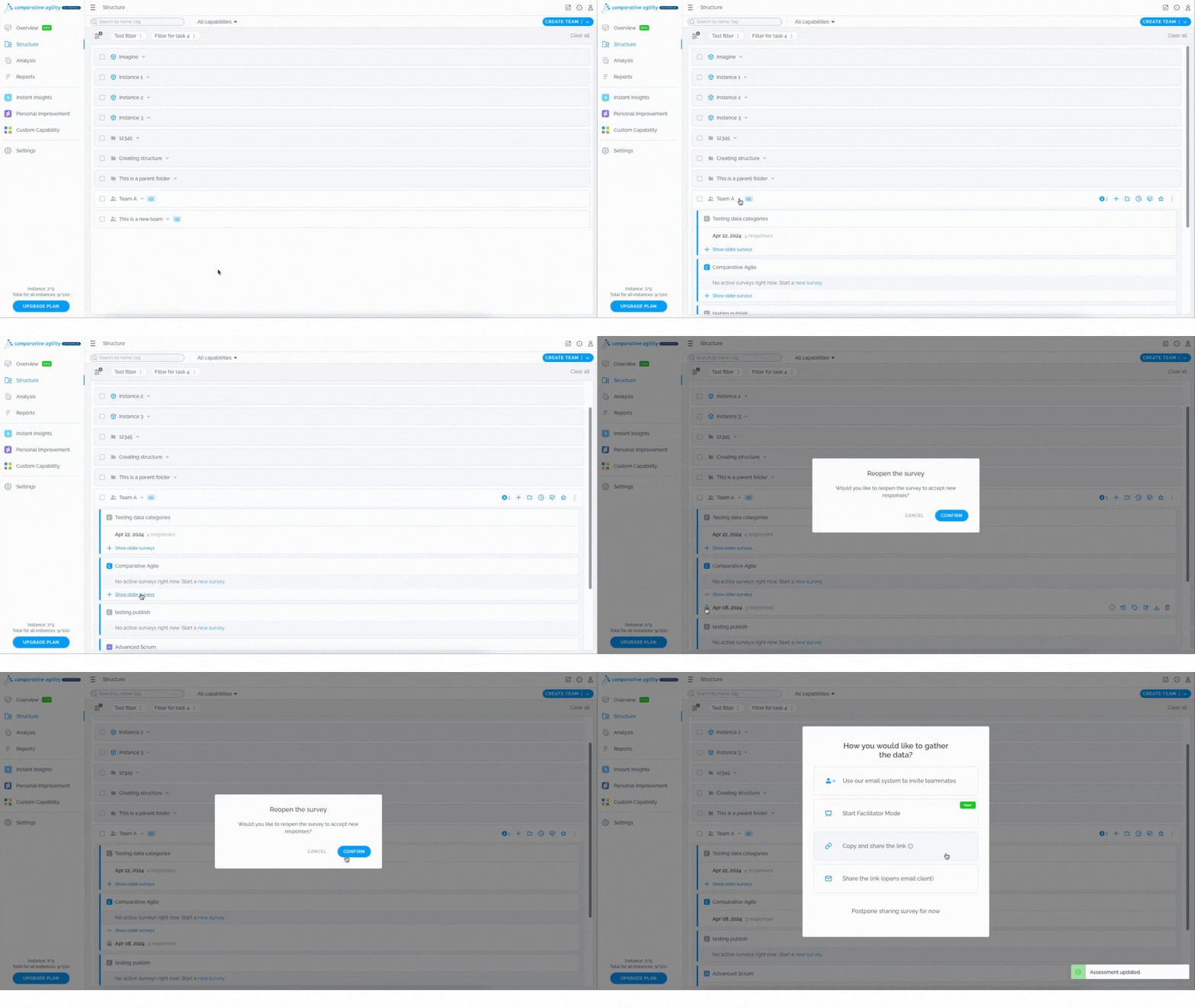
- Locate the team for which you would like to reopen a survey
- Navigate to the desired Survey
- Click on the Show Older Surveys button
- Select the Lock button
- Proceed with the Confirmbutton
- Choose between various options to share your survey
The short video below shows you how to reopen a survey
**Note:**You will be able to reopen the last survey.
If you ever need any assistance or have any questions please reach out to our support team at support@comparativeagility.comand we will be more than happy to assist you.