Create a team, add a capability, and share the structure link
Learn how to create a team, add a capability, and share your structure link in Comparative Agility to collaborate with others
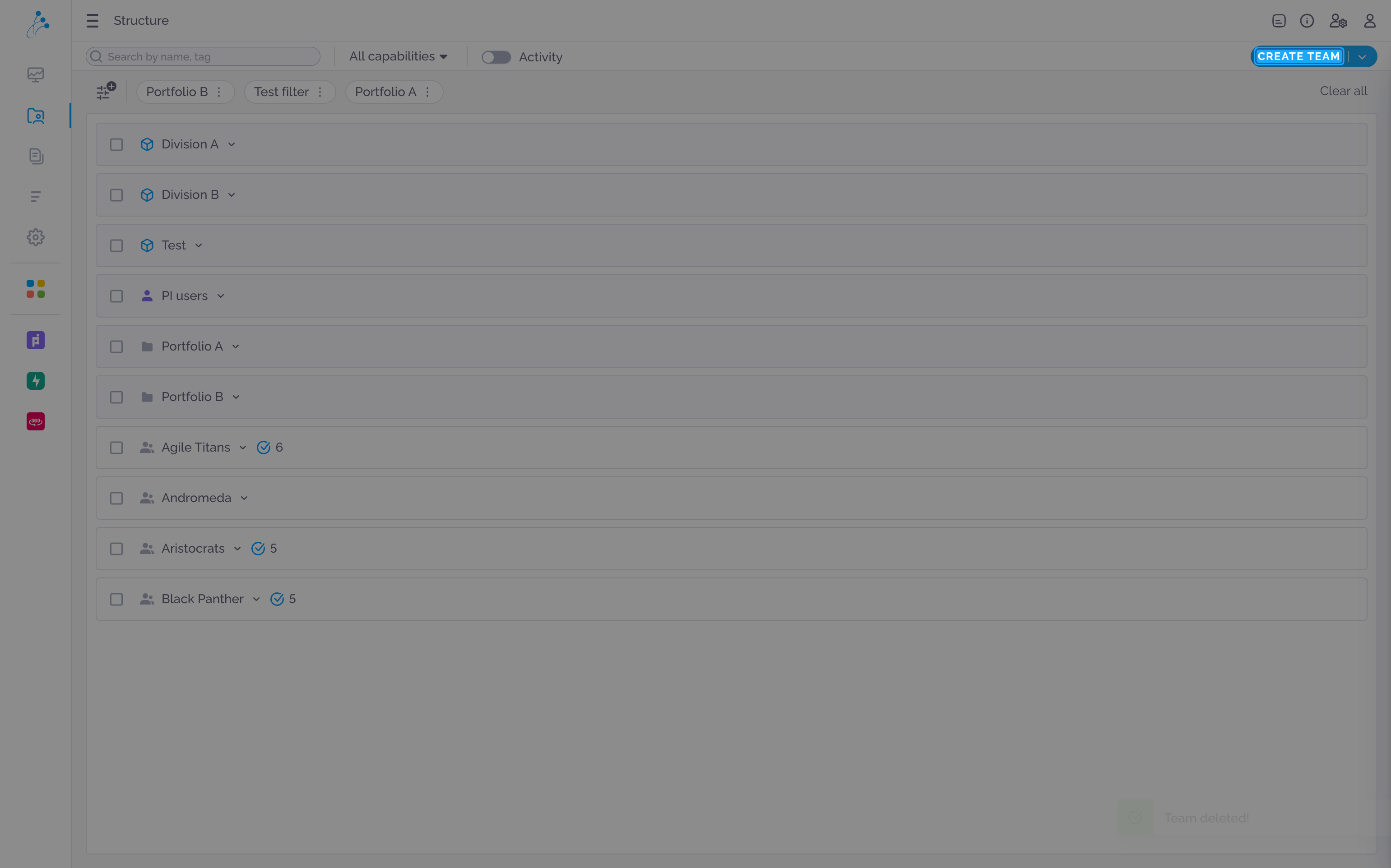
Create a new team
Section titled “Create a new team”Click the “CREATE TEAM” button to open the team creation form and add a new team to the organization structure.
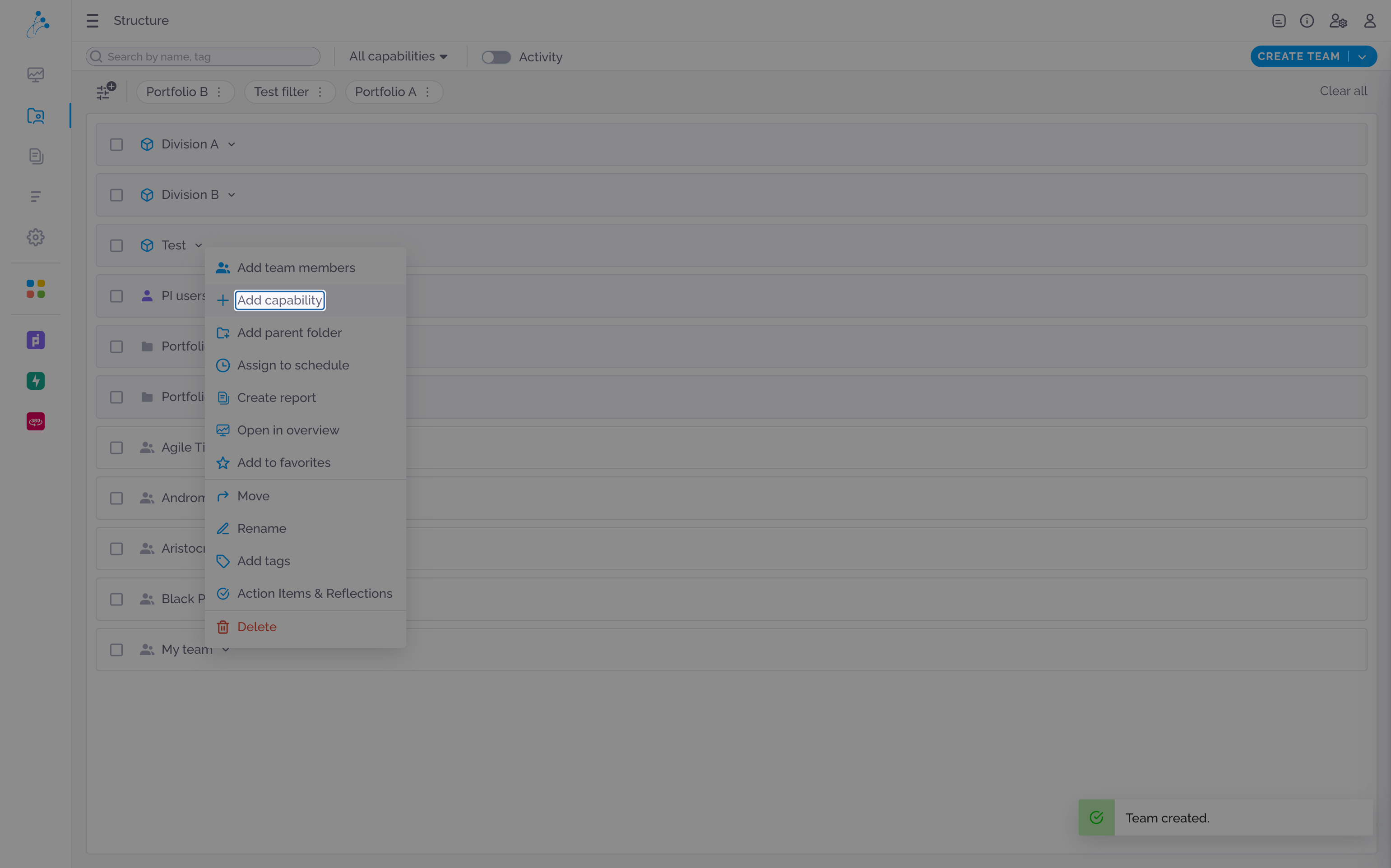
Add a new capability
Section titled “Add a new capability”Click “Add capability” to create a new capability within the selected team or organizational unit.
Navigate to structure section
Section titled “Navigate to structure section”Select the “AI-Empowered Large Solution Integration” capability to add it to the team being created.
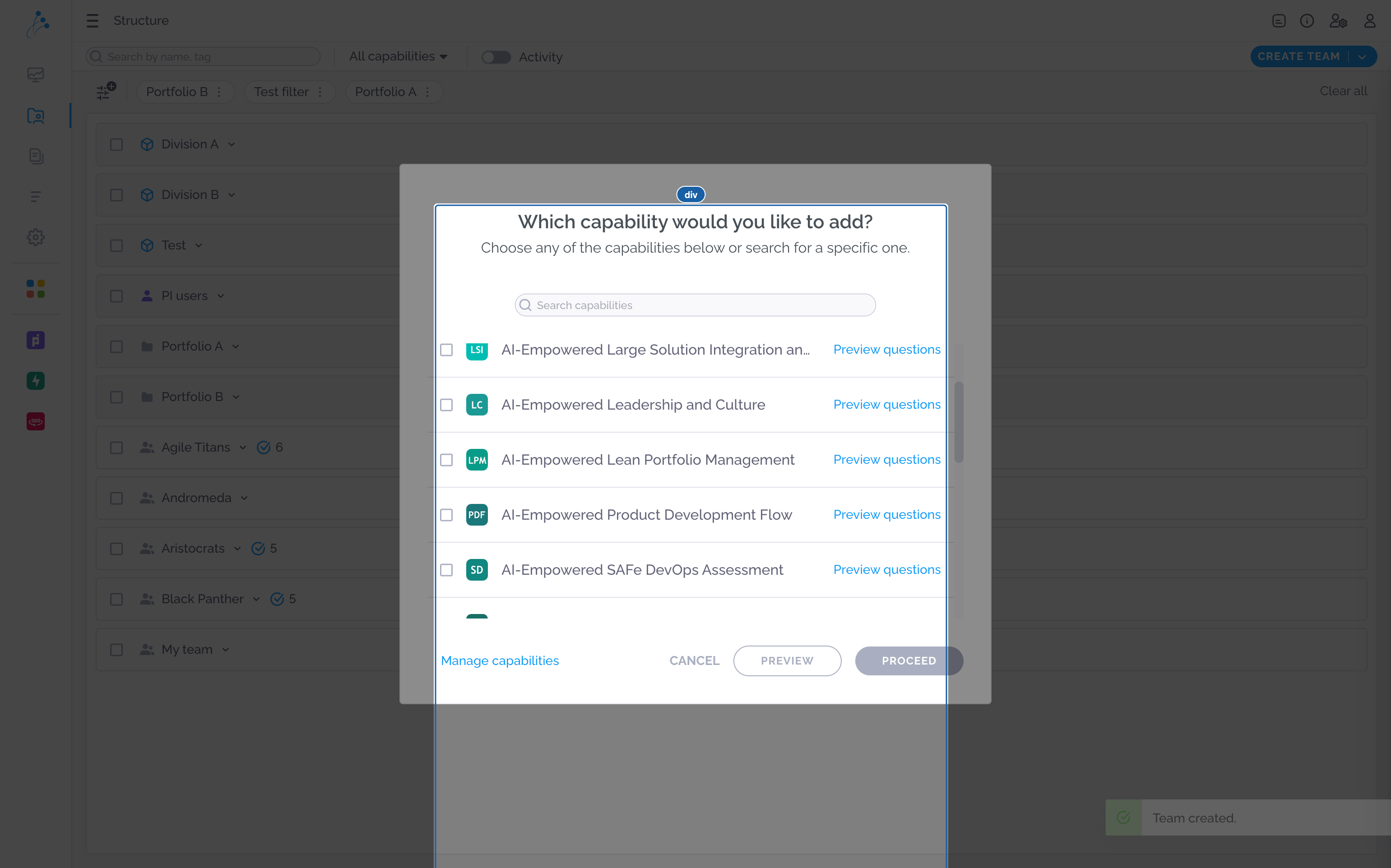
Proceed to next section
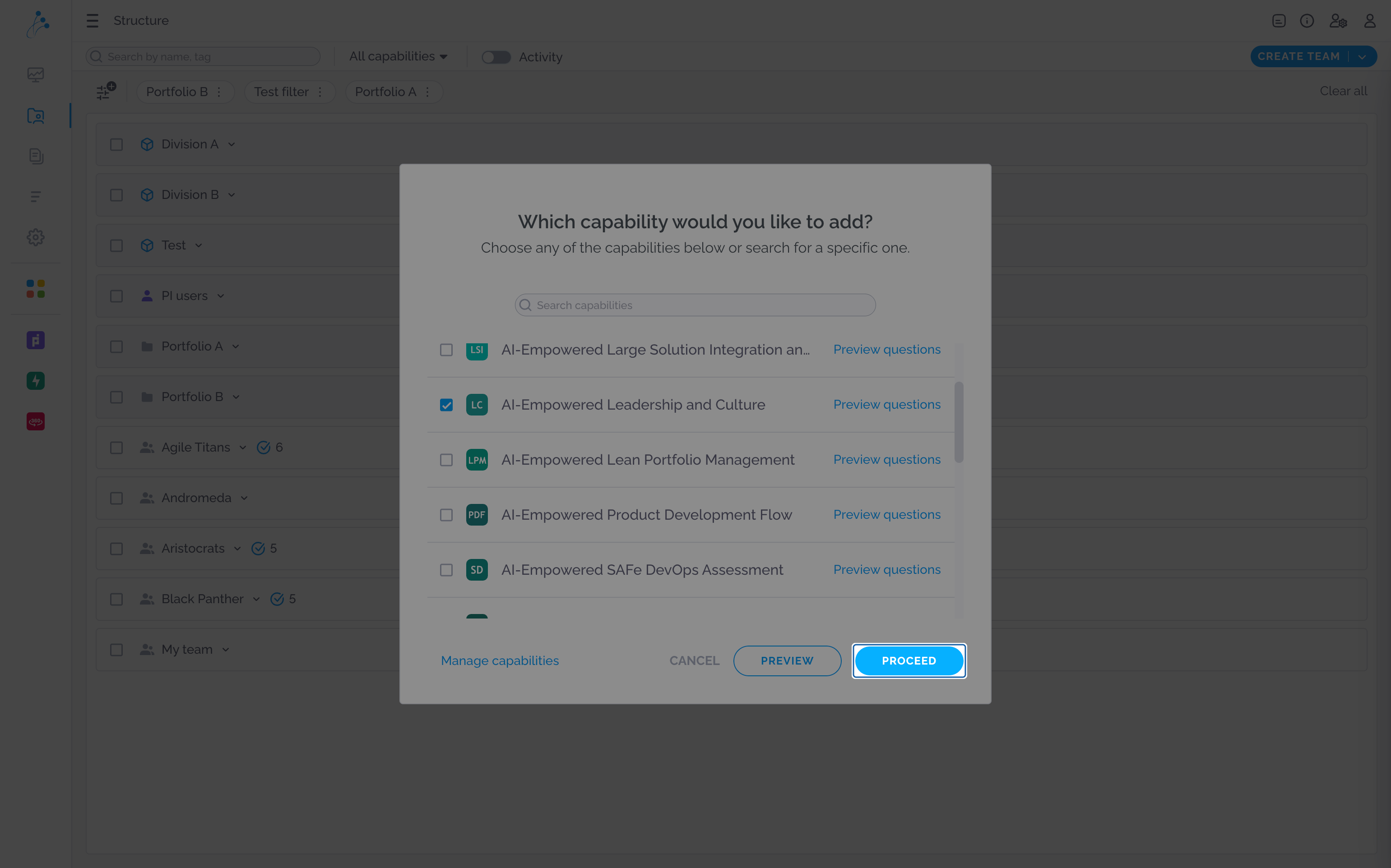
Section titled “Proceed to next section”The user confirms their selection of “AI-Empowered Leadership and Culture” capability and proceeds to add it to their team or portfolio.
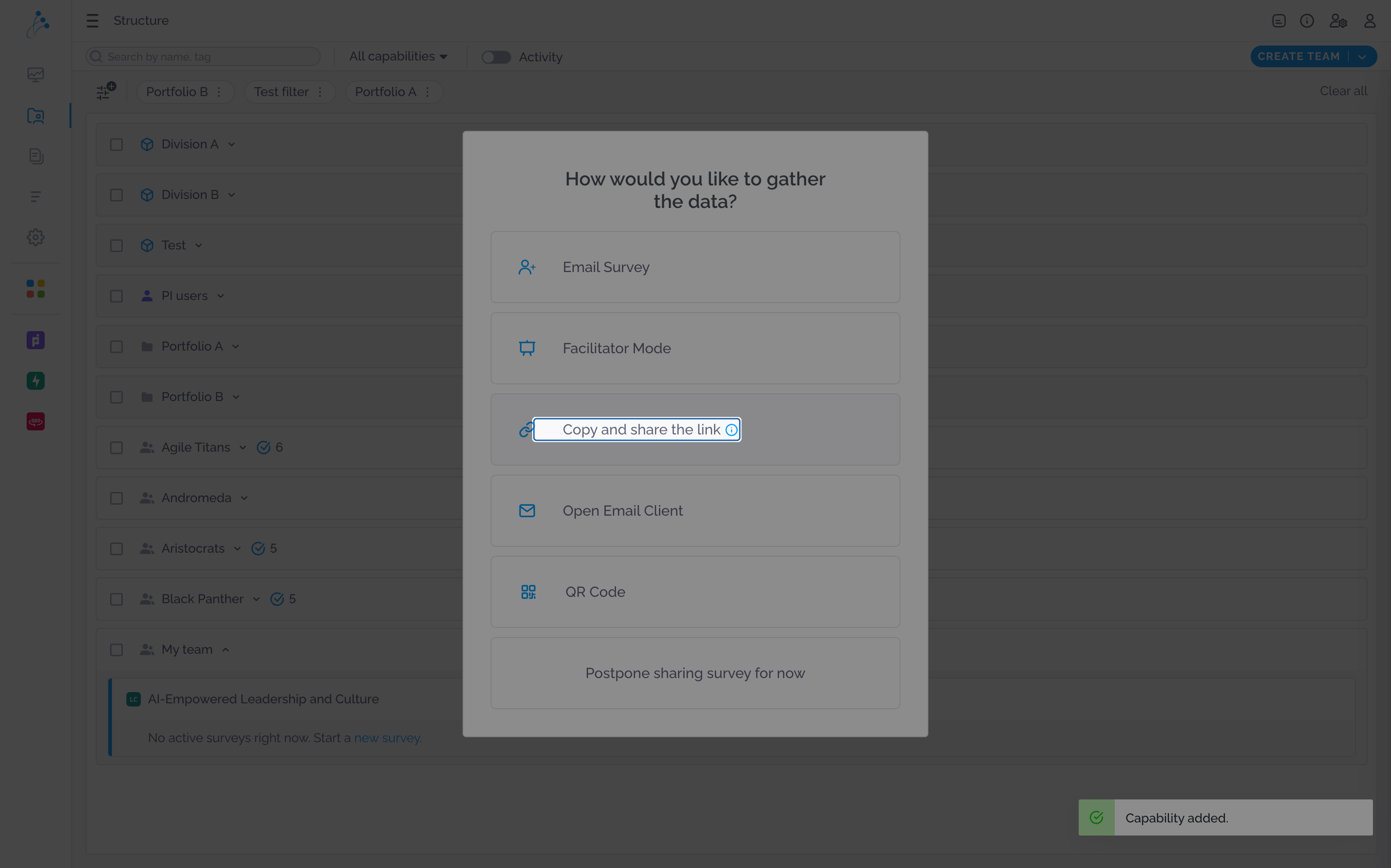
Copy and share the structure link
Section titled “Copy and share the structure link”Select the option to copy and share a survey link for distributing it to participants.