Report Layout
Open the report layout options
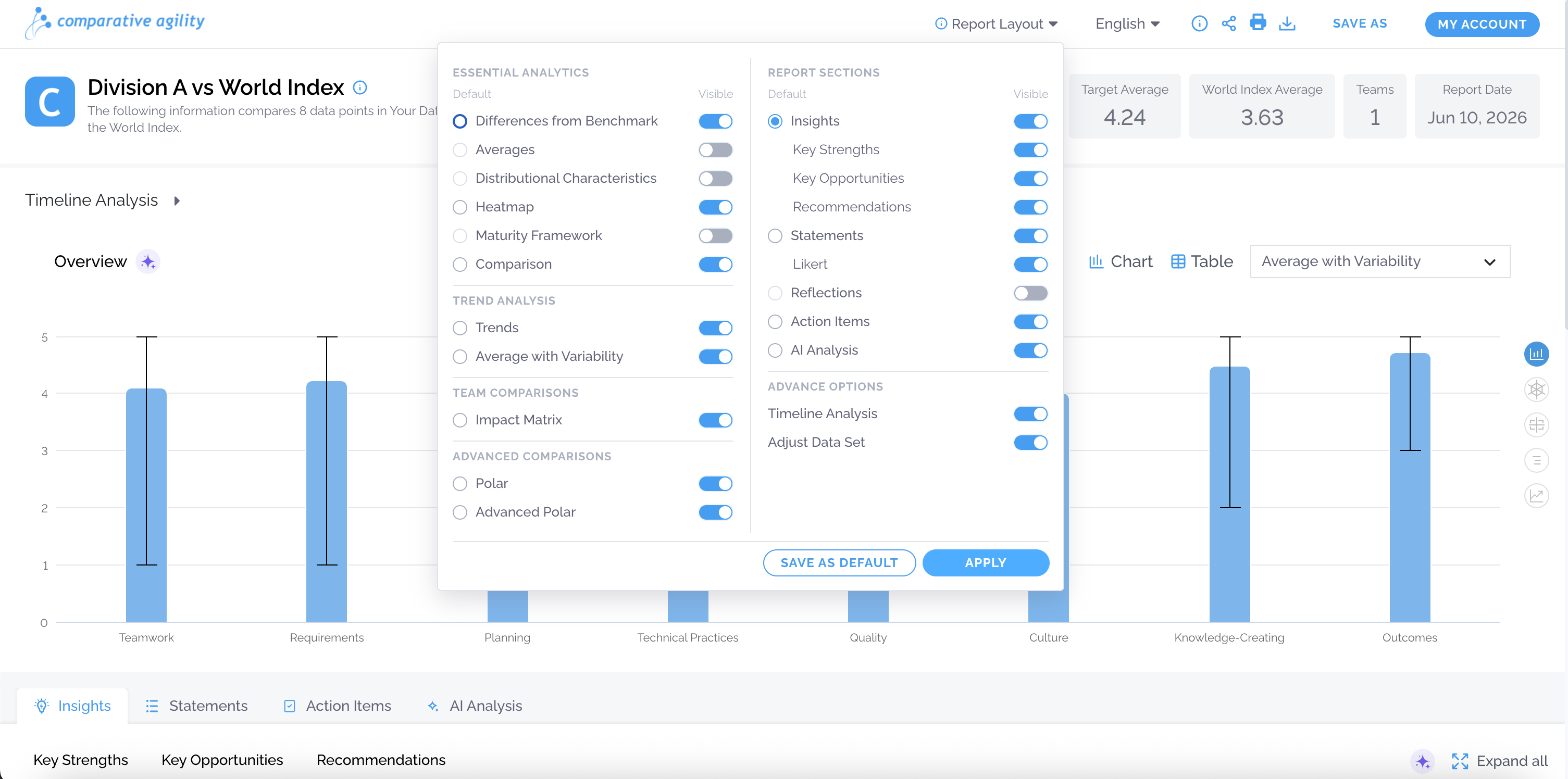
Section titled “Open the report layout options”The Report Layout feature allows you to control which analytics and sections appear in your reports.
Configure the report layout using the available options
Section titled “Configure the report layout using the available options”Use the Visible toggles to control what appears in the report.
Apply Changes
Section titled “Apply Changes”Click Apply to use the layout for the current report. Selecting Save as Default will always display this view for this capability.