
Sharing access to reports
This article will guide you through sharing access to the reports.
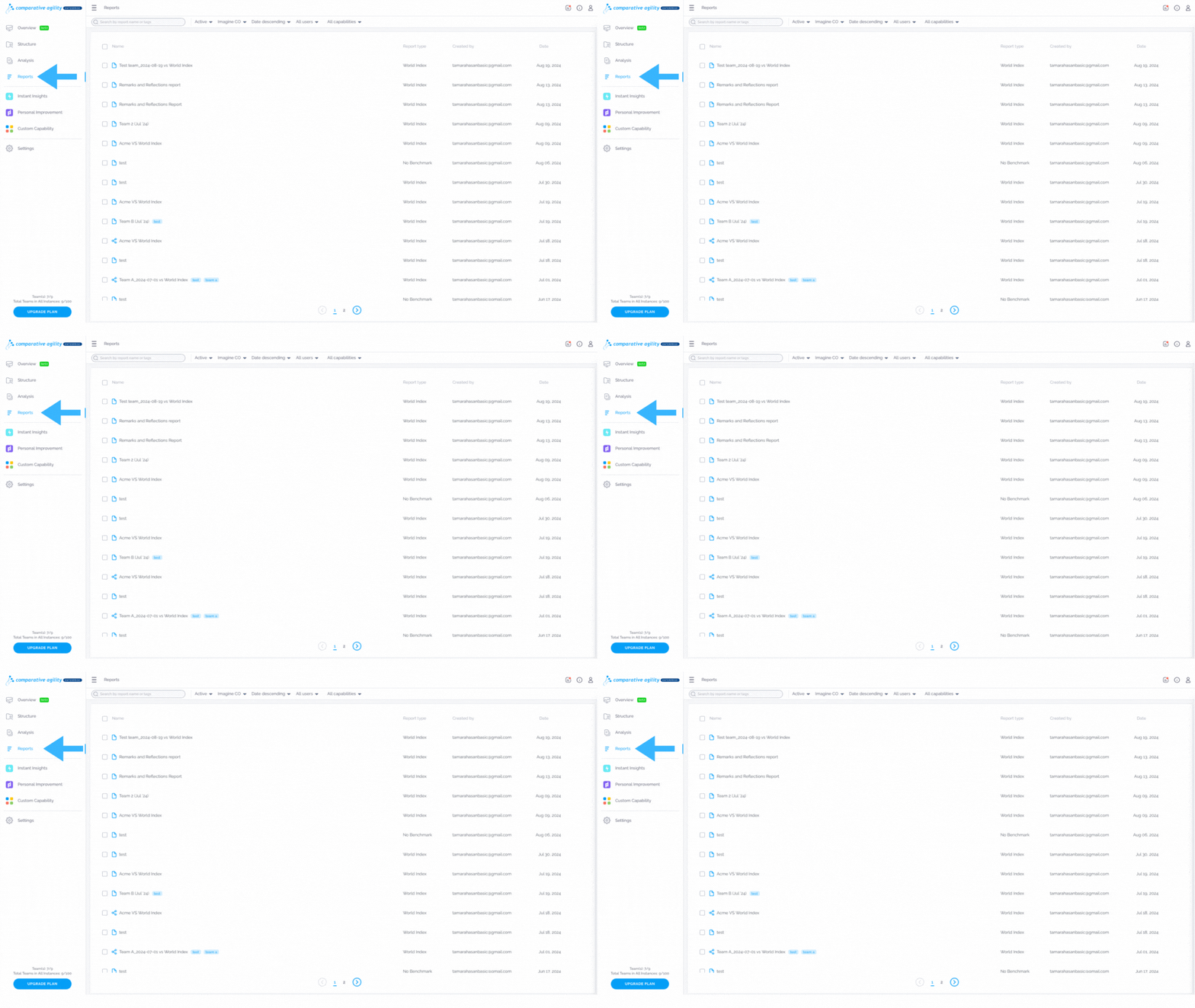
Navigating to the Reports Screen
- Log in to your Comparative Agility account
- Open Reports Screen
In the short video below we show you how to navigate to the Reports Screen
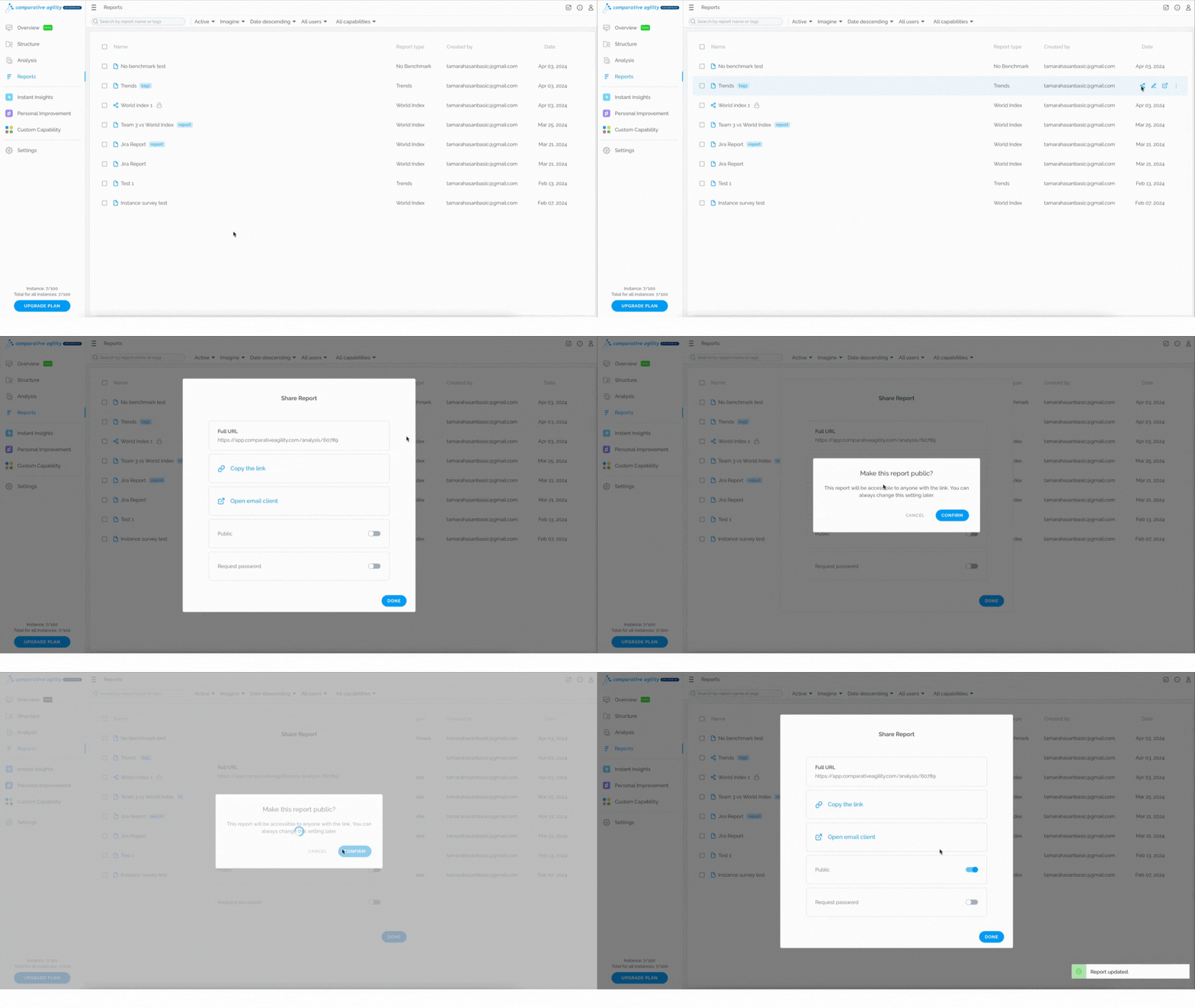
Share a report with Copy the link option
- Locate the report you would like to share
- Click on the Share Report icon
- Choose Copy the link****option
- A pop-up message will appear asking you if you would like to make the report Public
- Click on Confirm or Cancel
- Share the link with others
The short video below shows you how to share a report with a Copy link option
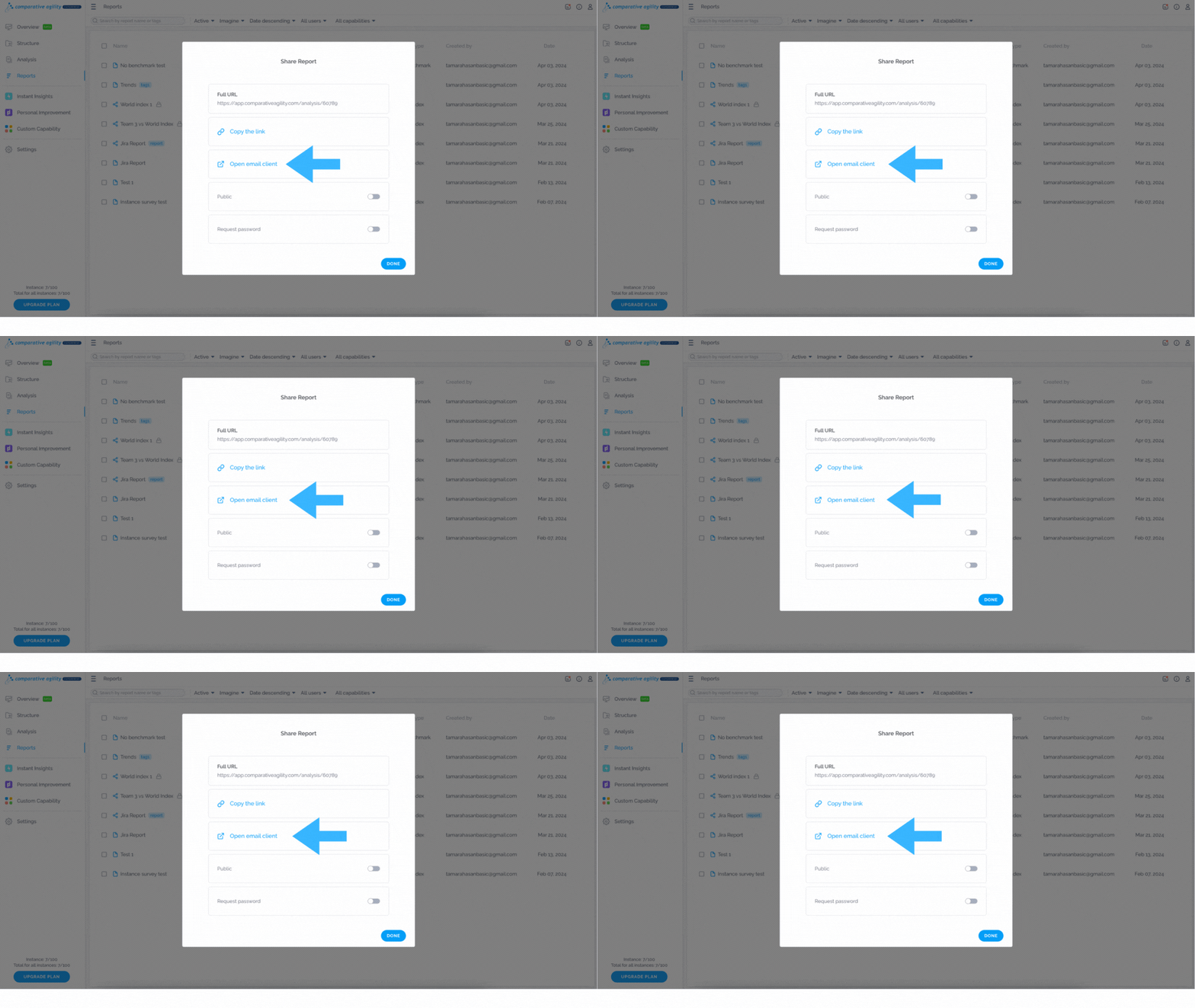
 Share a report with the Open email client option
- Locate the report you would like to share
- Click on the Share Report icon
- Choose the Open email clientoption
- Add recipients
- Edit the email message
- Send it out
Note: The report should be set to Public in order to share it with others.
In the short video below we show you how to share a report with the Open email client option
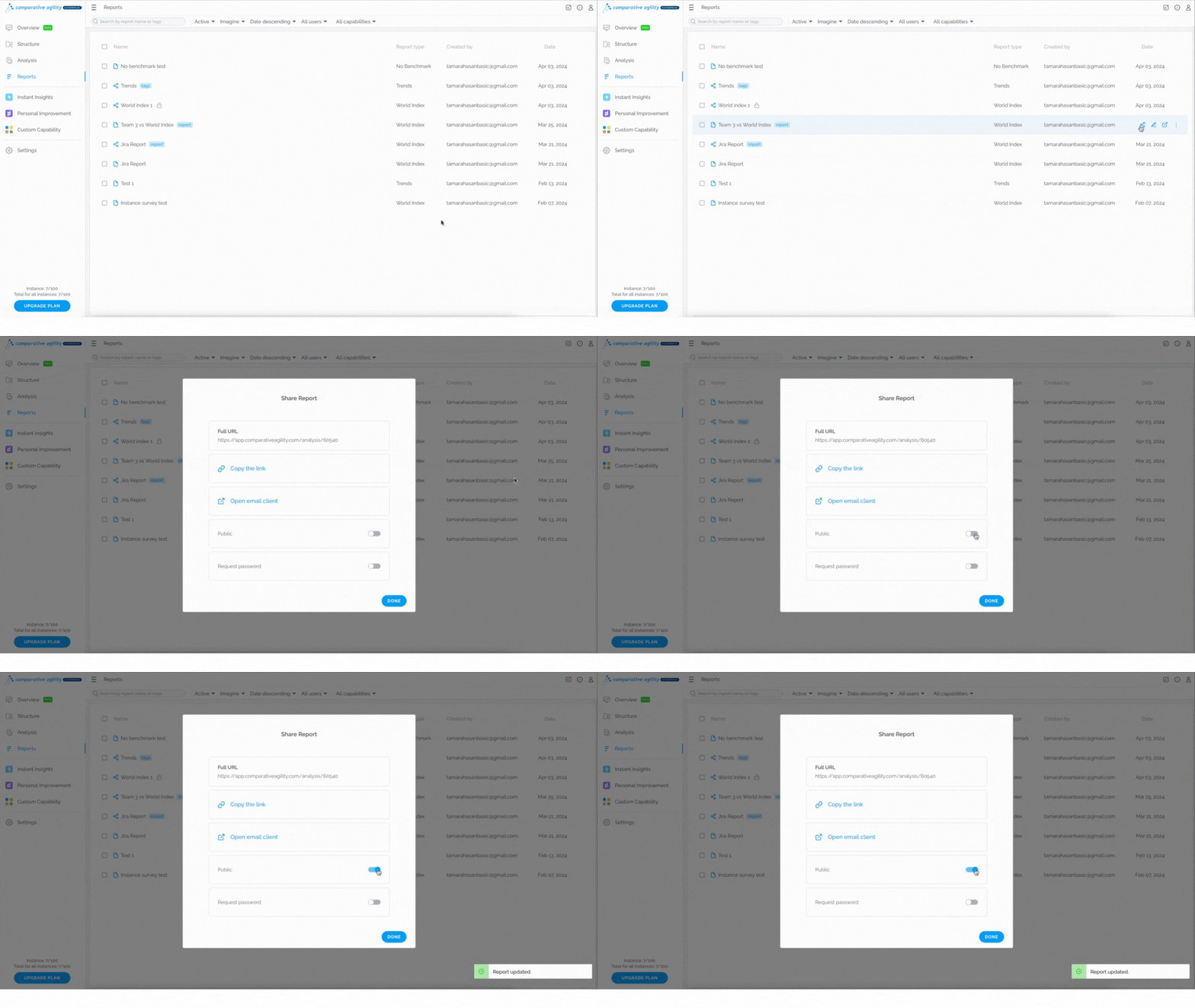
 Making a Report Public
For security reasons, ALL Comparative Agility reports will be automatically set to private until manually switched to “Public” by the respective account administrator/s. To make a report public, simply:
- Locate the report you would like to share
- Click on the Share Report icon
- Toggle on the option for making the report Public
- Share your report with others
The short video below shows you how to make a report public
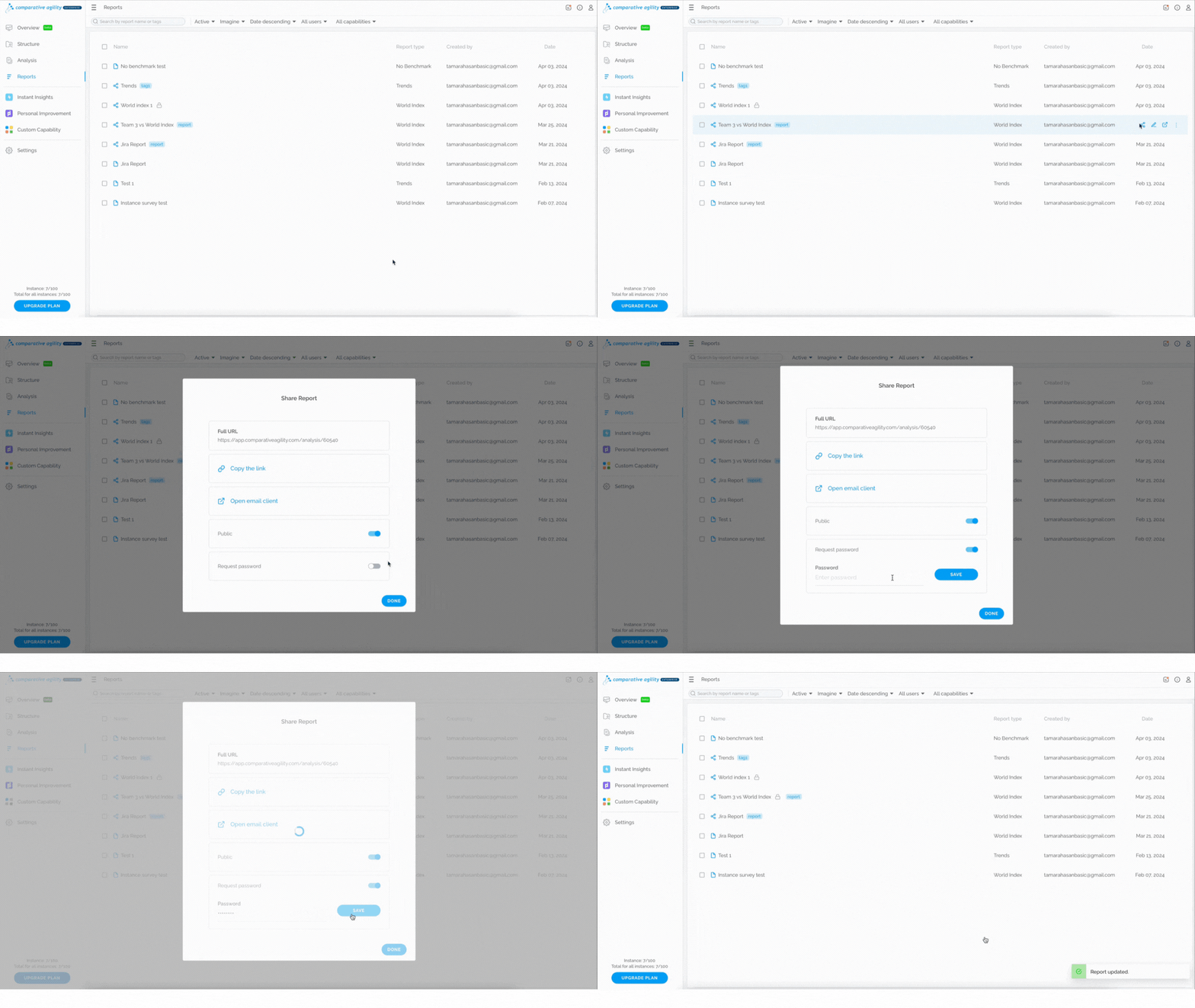
 Adding a password
This feature will ensure that no one without a password can access the report even if they have a link to it. To add a password, follow these steps:
- Locate the report you would like to share
- Click on the Share Report icon
- Make a report public (optional)
- Toggle on the option Request password
- Enter password
- Save
In the short video below we show you how to add a password
 Note: Making a report public ensures that recipients do notneed to have a Comparative Agility account. Sharing private reports requires that recipients are registered users of Comparative Agility.
If you ever need any assistance or have any questions please reach out to our support team at support@comparativeagility.comand we will be more than happy to assist you.